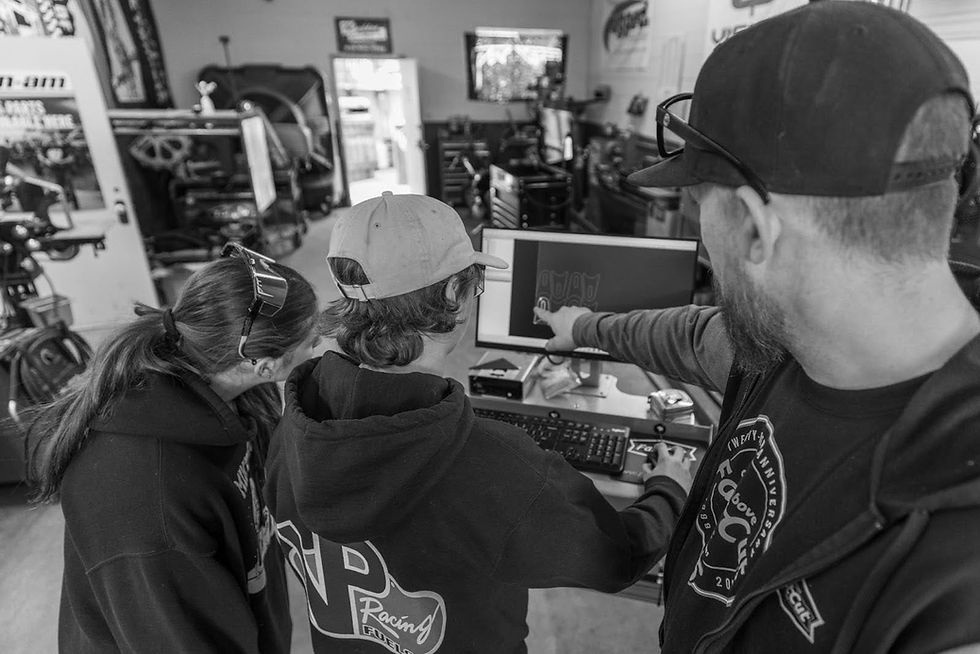
The Best CAD/CAM Software for CNC Plasma Cutting (Free and Paid Options)


Design smarter. Cut faster. Waste less.
Let’s not overcomplicate it. If your software sucks, your cuts will too.
You can have a rock-solid table, clean air, and years of experience, sure, but if your CAD CAM software for CNC plasma cutting isn’t doing its job? You’re fighting your setup every single day.
At FastCut CNC, we’ve seen it firsthand. Shops struggling with slow workflows, wasted material, and
inconsistent results… all because they’re using the wrong tools behind the screen.
And then we’ve seen the opposite.
Same machine. Same operator. Better software.
Suddenly:
Cuts are cleaner
Layouts are tighter
Jobs move faster
Profits go up
That’s the power of choosing the right CAD CAM software!
So if you’re trying to figure out what actually works—from beginner-friendly tools to full production software—this guide breaks it all down.
No fluff. Just what works in the real world.
What Makes Great CAD CAM Software for CNC Plasma Cutting?
Before we start throwing names around, let’s talk about what actually matters.
Because not all plasma cutting design software is built for plasma. Some tools look good on paper, but fall apart when it’s time to cut.
Features That Actually Impact Your Results
A solid CAD CAM software for CNC plasma cutting setup should handle more than just drawing shapes. It needs to think like a fabricator.
First, there’s kerf compensation.
If your software doesn’t account for the width of the cut, your parts won’t come out right. Holes will be off. Edges won’t line up. You’ll spend more time fixing parts than cutting them.
Then there’s nesting.
This is where you make or lose money. Good nesting packs parts efficiently onto your sheet, reducing scrap and improving overall CNC plasma cutting efficiency.
And finally—toolpath control.
You need the ability to control:
Lead-ins and lead-outs
Cut order
Pierce points
Because that’s what determines whether your cuts are clean… or a mess.
Good software doesn’t just draw. It thinks ahead.
User-Friendly CAD CAM Software for CNC Plasma Cutting
Now, let’s start with tools that get you up and running fast.
If you’re newer to CNC plasma cutting, or you just want something that works without a steep learning curve, these are solid options.
TurboCAD Deluxe – A Strong Starting Point
If you’re just getting into design, TurboCAD Deluxe is a great entry point.
It gives you a wide range of 2D drafting tools, plus the ability to step into 3D if you need it. But what makes it stand out is how adaptable it is—you can simplify the interface while you’re learning, then unlock more advanced features as you grow.
Not overwhelming. Not bloated. It’s just a solid foundation.
And for shops that want to start designing their own CNC plasma projects without spending weeks learning software, this is a smart place to begin.
EnRoute Fabrication – Where Simplicity Meets Capability
This one’s a favorite—and for good reason!
EnRoute Fabrication is built for real-world use. It’s intuitive, fast, and especially strong when it comes to decorative work, signage, and custom designs.
You get:
Clean drawing tools
Fast vectorizing
Built-in fonts and graphics
It also makes creating plasma cutting design software projects feel natural instead of frustrating.
So, if your work involves art, signage, or anything custom-heavy, this software just makes life easier.
SheetCam – The Backbone of CAM for Plasma Cutting
Now we get into serious territory.
SheetCam is one of the most widely used tools in CAD CAM for plasma cutting, and for good reason.
This is where your design becomes a cut.
It handles:
Kerf compensation
Lead-ins and cut paths
Torch control and sequencing
And it does it well!
Here at FastCut CNC, this is one of the tools we consistently recommend—because it’s reliable, flexible, and built for real fabrication work.
So, if you’re serious about cutting, you need a CAM tool like this.
Advanced CAD CAM Software for CNC Plasma Cutting (Built for Production)

If you’re running a shop, you don’t just need software—you need efficiency. You need tools that reduce waste, speed up production, and handle complex jobs without slowing you down.
ProNest LT – Built for Real Production Work
ProNest LT is designed for shops that are cutting all day, every day.
It’s not just about drawing—it’s about optimization.
You get:
● Advanced nesting algorithms
● Multi-process support (plasma and oxy-fuel)
● Production-level efficiency
This is the kind of software that pays for itself by reducing material waste alone.
Serious operation? This is definitely one of the best CNC plasma software options out there.
ShopData Systems – Specialized for HVAC and Fabrication
Now, if you’re in HVAC or ductwork, you already know how repetitive—and time-sensitive—those jobs can be.
ShopData Systems HVAC is built specifically for that world.
It offers:
● Pre-built templates
● Automated layouts
● Fast nesting for production
It takes a process that used to be manual and turns it into something streamlined and repeatable.
For the right shop, this is a massive time-saver.
Bend-Tech CAD – Built for Fabricators Who Need Results
Bend-Tech CAD is another solid option, especially if your work involves structural parts or fabrication-heavy projects.
It focuses on:
● Practical design tools
● Efficient workflows
● Getting from idea to cut quickly
No unnecessary fluff. Just tools that work.
Free CNC Plasma Software Options (For Hobbyists and Budget Builds)
Not everyone needs a full production setup. So, if you’re just getting started—or running a smaller operation—there are solid free CNC plasma software options.
Inkscape (With Plugins) – The Go-To Free Option
Inkscape is one of the best free tools available for vector design.
With the right plugins, you can:
● Create designs
● Export DXF files
● Pair it with CAM software like SheetCam
Not perfect. It requires a bit more manual work. But it works! And for hobbyists or light-duty shops, it’s a great way to get started without spending a dime.
❗The Trade-Off With Free Software
Let’s be honest. Free tools usually mean:
● Less automation
● More manual adjustments
● Limited support
But if you’re willing to put in the time, they can still produce solid results.
From Design to G-Code: A Real-World Workflow That Works
This is where everything comes together. A good workflow keeps things simple, repeatable, and efficient.
Step 1: Design Your Part
Start in your CAD software:
● TurboCAD
● EnRoute
● Inkscape
Create your part, keeping efficiency in mind.
Step 2: Export as DXF
DXF is the standard. It keeps your file clean and compatible across platforms.
Step 3: Import Into CAM Software
Bring your file into something like SheetCam. Now, this is where the real work happens!
Step 4: Apply Toolpaths
Set:
● Kerf compensation
● Lead-ins
● Cut order
This step directly affects cut quality.
Step 5: Generate G-Code
This is the language your machine understands.
Step 6: Cut and Adjust
Load it up. Run the job. Fine-tune if needed. And then repeat.
Simple workflow. Better results.
FastCut CNC’s Recommended CAD CAM Software for CNC Plasma Cutting
At FastCut CNC, we don’t believe in locking you into one system. We build open systems, so you can use the tools that work best for you.
But based on real-world experience, here’s what we consistently recommend:
● SheetCam → Best all-around CAM control
● EnRoute Fabrication → Best for art
● ProNest LT → Best for production efficiency
● TurboCAD Deluxe → Best for beginners
We also offer:
● DXF art packages (1500+ ready-to-cut designs)
● Built-in shape libraries
● Real support from people who actually use these tools
Learn more here: https://www.fastcutcnc.com/cnc-plasma-software
How to Choose the Right CAD CAM Software for Your Shop
Here’s the truth. There’s no single “best” option. The right CAD CAM software for CNC plasma cutting simply depends on what you actually need.
● If you’re a hobbyist: You don’t need overkill. Start simple. Learn the basics.
● If you’re a growing shop: You need tools that save time and reduce waste.
● If you’re running production: You need efficiency, automation, and reliability.
Ask yourself:
● Am I cutting occasionally or every day?
● Do I need speed or simplicity?
● How much control do I want over my cuts?
Answer those honestly—and the right software becomes obvious.
The Bottom Line: Your Software Is Your System
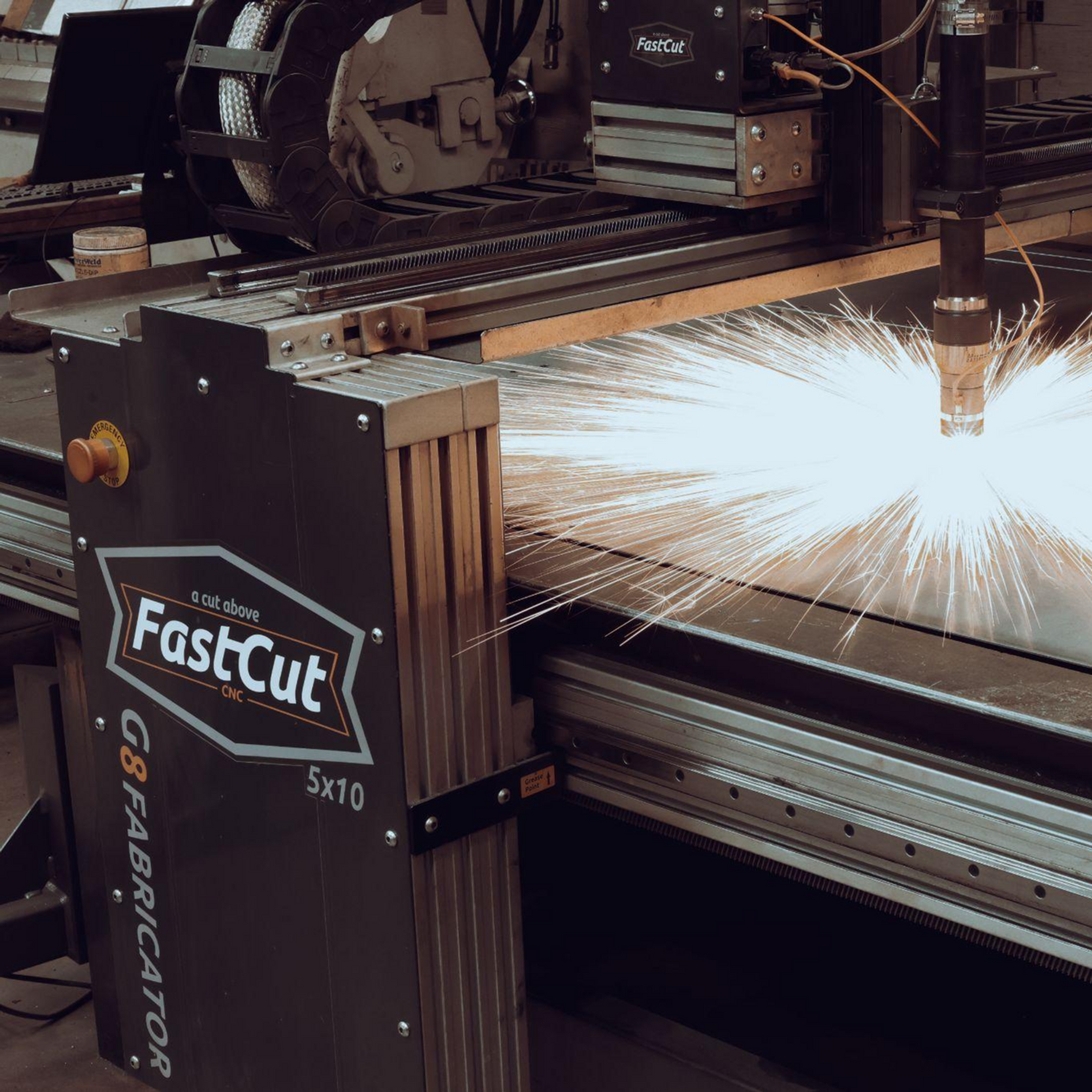
Your machine does the cutting. But your software controls everything leading up to it.
That means:
● How efficient your workflow is
● How much material you waste
● How clean your cuts come out
So if you want better results, don’t just upgrade your table.
Upgrade your software.
Ready to Build a CNC Plasma Cutting Setup That Actually Works?
At FastCut CNC, we don’t just sell machines—we help you build a complete system that performs.
That means:
✔️ The right table
✔️ The right software
✔️ The right setup
Need help choosing the best CNC plasma software?Want a system that actually works together?Ready to cut faster and smarter?
We’ll help you build a setup that delivers real results—no guesswork, no wasted time.
FastCut CNC | Built by Fabricators. Built for Fabricators.